
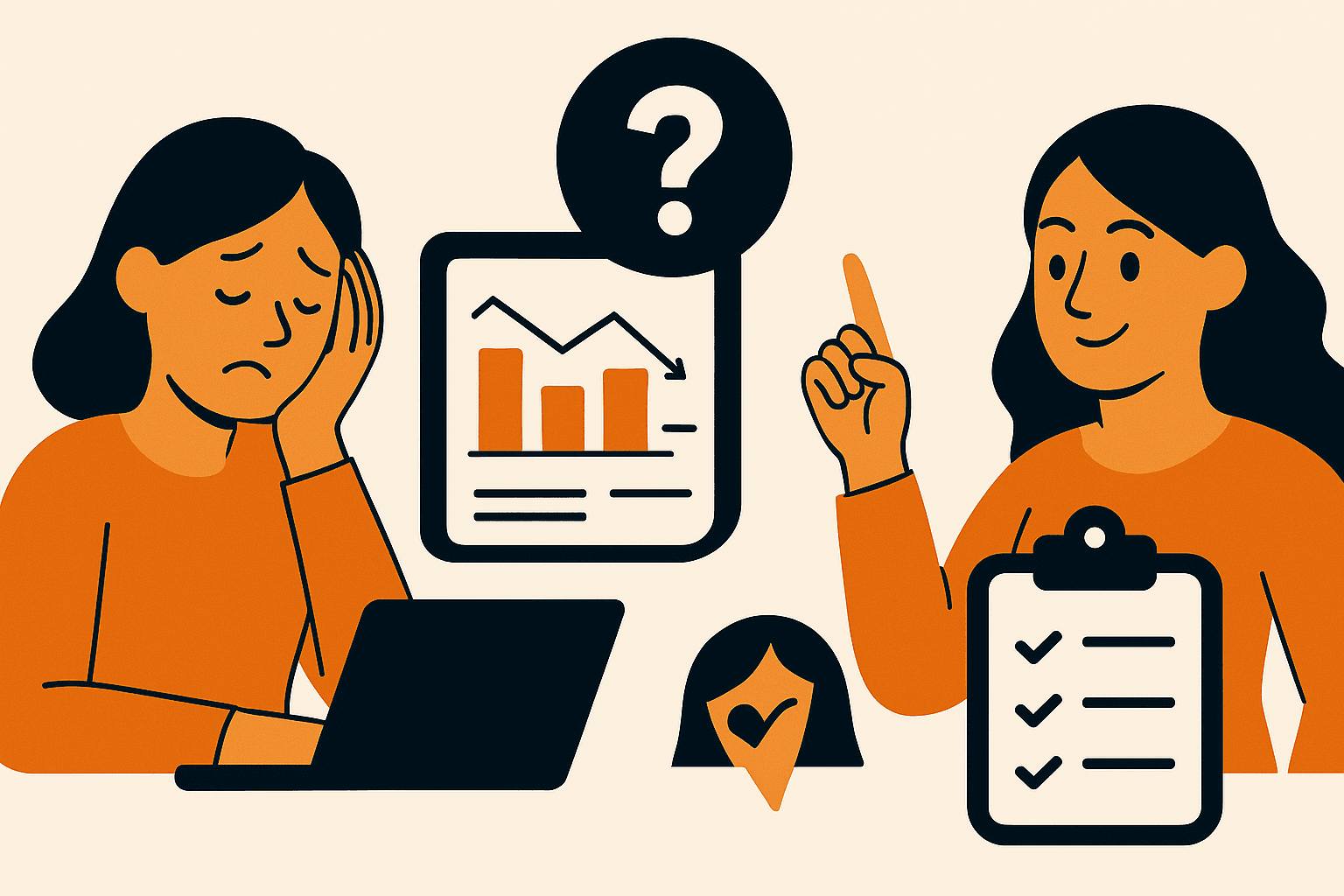
Why Most Businesses Build Dashboards That Nobody Uses — And How to Get It Right
You’ve probably seen it before: a fancy internal dashboard, full of graphs and filters and options — and no one on the team actually uses it.
It’s not because dashboards are a bad idea. It’s because they’re often built without truly understanding the problem they’re meant to solve.
The Real Problem: Tech-Led, Not User-Led
When a business says “we need a dashboard,” what they really mean is: “we need a fast, easy way to track our work, our team, or our results.”
But too often, the developer jumps straight to the tech stack: which chart library to use, how to query the data, what filters to include. The result? A tool that looks impressive, but doesn’t fit into anyone’s actual workflow.
What Most Dashboards Get Wrong
- ❌ Too much data, not enough insight
- 📱 Poor mobile experience
- 🌀 Takes too many clicks to find what matters
- 🔕 No alerts or summaries — just passive data
- 🗓️ Built once, never updated
A Better Approach: Start With the End User
Before writing a single line of code, ask: who is using this dashboard, and what action do they need to take after seeing it?
Here’s how we approach dashboard projects at Infatech:
- 1. Start with workflows, not widgets: Map user goals before designing screens.
- 2. Show only what matters: Prioritize clarity over completeness.
- 3. Keep it fast and fresh: Real-time data updates or clear last-sync timestamps.
- 4. Role-based access: Filter views for founders, ops, or support staff.
- 5. Make it actionable: Integrate buttons, alerts, or status changes directly into the dashboard.
Real-World Example
A coaching client asked us to “fix their admin panel.” It showed user info—but no context or action points.
We redesigned it to highlight overdue sessions, inactive users, and added a WhatsApp reminder button + filters.
Result: Their ops team started using it daily. Session completion rates improved by 28%.
Conclusion
If your dashboard isn’t helping someone take action, it’s just a prettier spreadsheet.
Build with the user’s next move in mind—and you’ll create tools that drive real operational impact.
Want to see what a custom dashboard could look like for your business? Let’s talk →
 Turn Idea Into a Digital Product
Elevating Customer Experience.


© Copyright 2024 By Infatech