
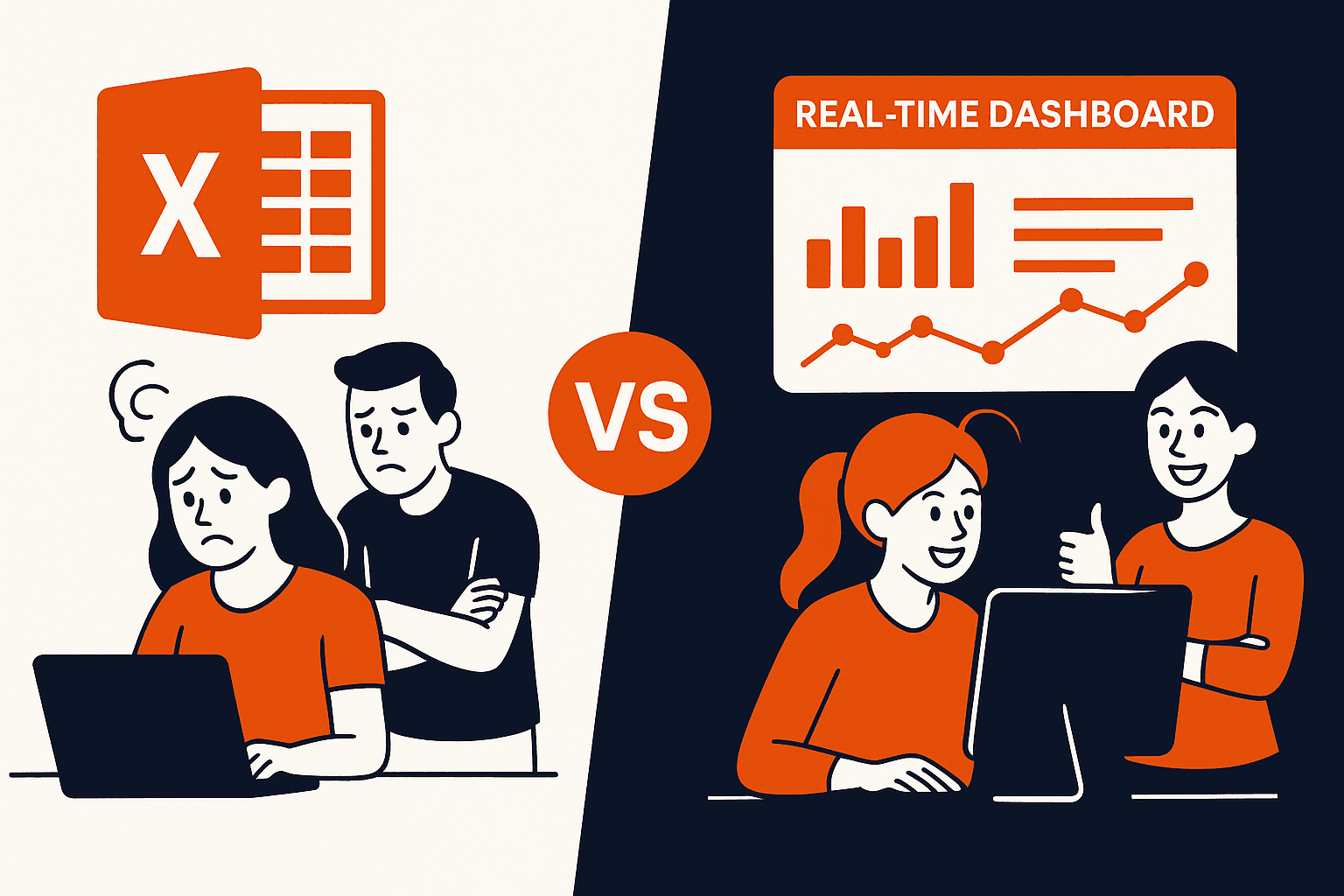
Why Replacing Your Excel Sheets with a Custom Dashboard Is Easier Than You Think
Spreadsheets are the duct tape of growing businesses. Need a tracker? Excel. Need a report? Excel. Need to manage leads, clients, inventory, finances? Excel.
But as your operations grow, so do the limitations—and the pain.
If you're constantly managing your team through 10 Excel files, chances are your ops aren't scaling… your spreadsheet stress is.
The good news? You don’t need to be a tech company to replace it with a custom dashboard. It's easier and cheaper than you think.
Excel: Powerful, But Painful
We’re not here to hate on Excel—it’s flexible, familiar, and easy to start with. But here’s what happens over time:
- 🔁 Duplicate data across sheets
- 👨👩👧👦 Teams update different versions
- ❌ No audit trails or user roles
- 📉 Hard to visualize real-time insights
- 🤯 Too many manual tasks—copying, pasting, importing, emailing
Eventually, Excel becomes a system you work around instead of a system that works for you.
What a Custom Dashboard Can Do That Excel Can’t
Imagine opening a single web app that shows you:
- ✅ Today’s sales across regions
- ✅ Inventory alerts in real-time
- ✅ Team productivity stats
- ✅ Lead funnel updates
- ✅ Finance summaries—all live
A dashboard isn’t just prettier than Excel—it’s purpose-built, automated, and secure.
But Isn't That Expensive or Complicated?
Not anymore.
Modern full-stack tools let you build and deploy powerful dashboards without hiring a huge dev team.
- 🧱 Frontend: Next.js, React, or Vue.js
- 🧠 Backend: Node.js, Firebase, or Supabase
- 💾 Database: PostgreSQL, Airtable, or Google Sheets API
- 📊 Charts: Recharts, Chart.js, or D3
- ⚙️ Automation: Zapier, Make.com, or custom APIs
Even a solo developer can build something solid in weeks.
Real-World Example
A growing D2C brand was managing stock, orders, and supplier updates across 4 Excel sheets and 3 team members.
We built them a central dashboard with login access, real-time inventory, order alerts, and exportable reports.
Outcome? Less confusion. Faster decisions. Zero time wasted asking “who has the latest file?”
How to Start Without Going All In
- 1. Pick one painful spreadsheet (e.g., your sales tracker or operations log)
- 2. Sketch what you’d want to see (tables, filters, charts, access levels)
- 3. Work with a dev or agency to scope a basic version
- 4. Test with your team—then iterate
Conclusion
Excel helped you get here. But it won’t get you there.
Custom dashboards give your business clarity, speed, and confidence. They reduce mistakes, improve visibility, and free up time for what matters.
And the best part? It’s not as hard—or as expensive—as you think.
 Turn Idea Into a Digital Product
Elevating Customer Experience.


© Copyright 2024 By Infatech